
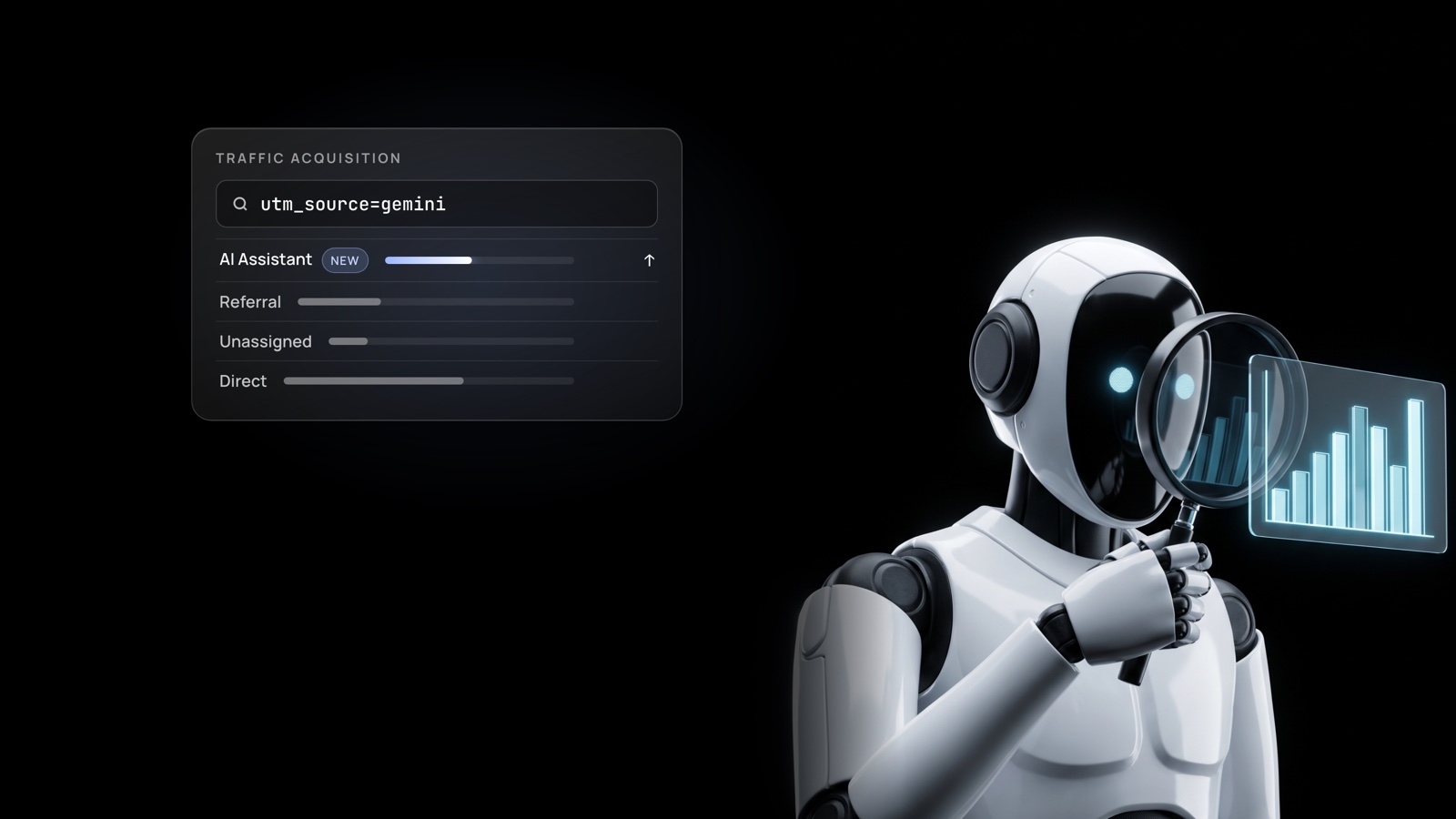
Is Gemini Traffic Showing Up in Your GA4?
TopGeo Team
Author
Partly, and it's getting easier to see. Gemini has started adding a tracking tag, utm_source=gemini, to some of the links it shows, and GA4 now has a built-in AI Assistant channel. But Google hasn't documented the Gemini change, and plenty of AI traffic still lands in Direct. Here's a five-minute check, and what it still can't tell you.
What changed?
Two things. First, Google added an AI Assistant channel to GA4's default channel group. When a visit comes from a recognised assistant such as ChatGPT, Gemini, Deepseek, Copilot or Grok, GA4 sets the medium to "ai-assistant" and files the session under that channel automatically.
Second, at the start of October, people noticed Gemini adding UTM tags to its outbound links. TechWyse reported the tag as utm_source=gemini, and Google's John Mueller replied on Reddit that he sees it too. Google hasn't documented when the tag is added, though, so don't assume every Gemini click carries it.
How do you check it in GA4?
- Open GA4 and go to Reports → Acquisition → Traffic acquisition.
- Look for an AI Assistant row in the channel list. That's the AI traffic GA4 already recognises.
- Change the dimension to Session source / medium and type "gemini" in the search box. Then try "chatgpt", "perplexity" and "claude".
- For Gemini, compare a few weeks before and after early October, when the tagging was first reported.
If you see rows with gemini as the source, the tagging is reaching your site.
What will it miss?
More than you might expect. An SEJ analysis found the same AI source split across three channels, AI Assistant, Referral and Unassigned, because GA4 decides the channel using source and medium together. Visits from AI mobile apps and in-app browsers often pass no referrer at all, so they land in Direct.
The fix SEJ suggests is a custom channel group that matches on source alone, which also pulls older AI sessions out of Referral. Until then, treat the AI Assistant number as a floor, not the total.
Why aren't clicks the whole story?
Even a perfect GA4 setup only shows the people who clicked. It can't show the buyer who asked ChatGPT for a shortlist, saw three competitors named, and never visited you at all. For many B2B brands, that group can be larger than the one that clicks, and analytics will never see it.
So AI visibility needs two measurements: the traffic you can see in GA4, and the answers you can't, meaning whether your brand is named, recommended or left out.
Sources: Search Engine Journal (Oct 1, 2026); TechWyse (Oct 5, 2026); Google Analytics Help: default channel group; Search Engine Journal (Jul 15, 2026).
Want to see the half GA4 can't show?
Get a free AI visibility snapshot and see how your company shows up when buyers ask AI for a shortlist.